

FLHA & JSA app for the field
A signed FLHA in under 5 minutes.
Pick the hazards, pick the controls, get the crew to sign. Hazora turns it into a clean PDF you can text or email from site. No login, no company platform.


7-day free trial, then a monthly subscription. For iPhone and Android. Your reports stay on your phone.
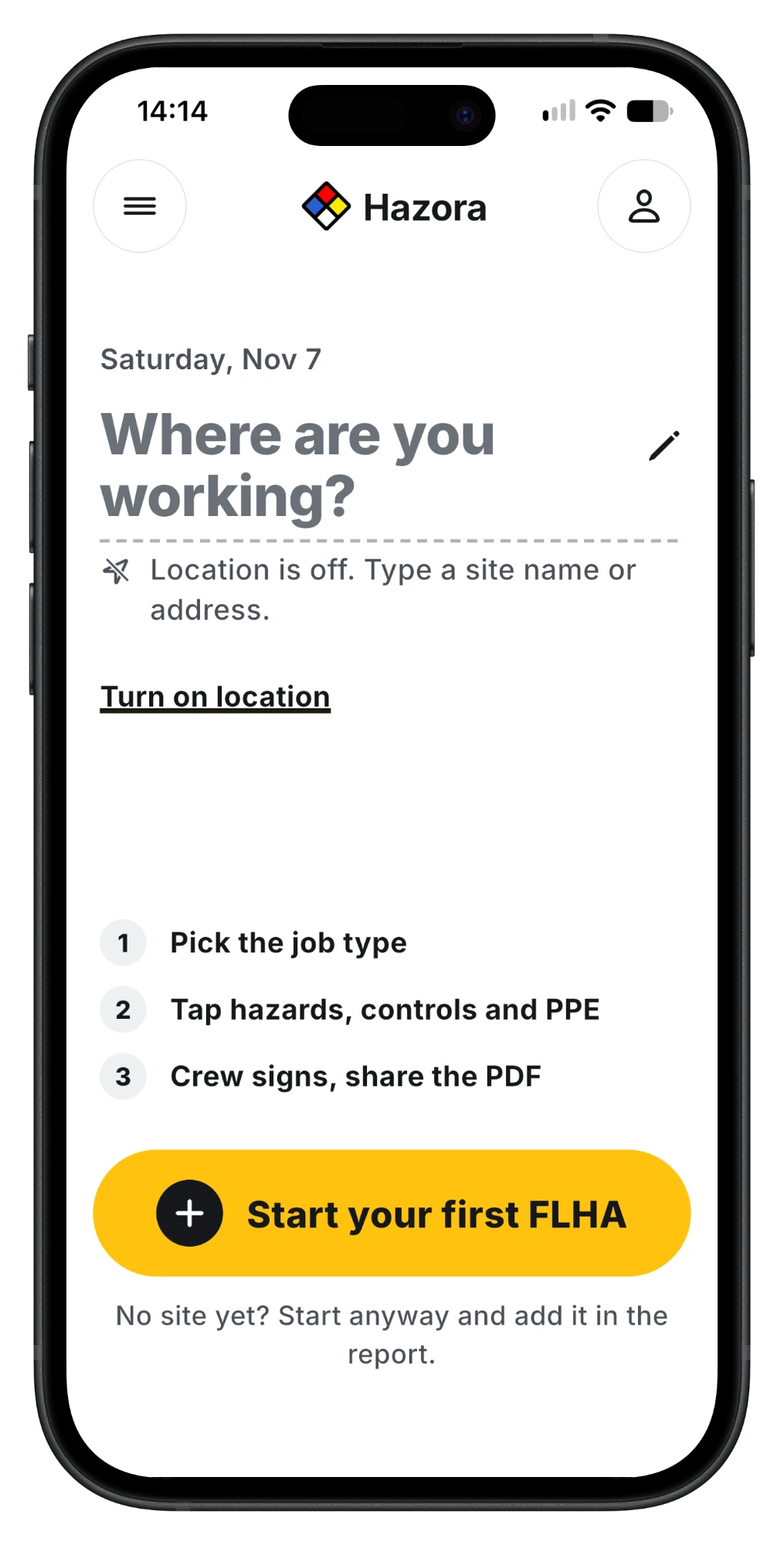
From site to signed PDF
The same steps you already do on paper, in the order you do them.
Site and task
Today's date and address are filled in. Pick the task or start from a template.
Hazards
Tick what applies, set the risk, and add a photo if it helps. Each photo is time-stamped.
Controls
Required controls come first. Add your own when the site calls for it.
Sign and share
The crew signs on your phone. Send the PDF by text, email or anything else on your phone.
Made for the foreman, not head office
If your GC asks for a hazard assessment and you don't have a system for it, this is the system.
Nothing to set up
No account, no invite, no admin. Add your name and company once and they go on every report.
Your reports stay with you
Reports, signatures and photos are saved on your phone. We don't store them and can't see them.
A PDF anyone can open
The GC, the safety coordinator or the client doesn't need the app. They get a PDF.
Questions
Is Hazora free?
Hazora starts with a 7-day free trial. After that it is a monthly subscription, billed through the App Store or Google Play. The price for your country is shown in the app before you subscribe, and you can cancel any time in your App Store or Google Play settings.
Does Hazora replace our safety program?
No. Hazora is a faster way to fill in and share a field-level hazard assessment. You still decide what the hazards and controls are, and your employer's program and local rules still apply.
Where are my reports saved?
On your phone. Once you share a PDF, that PDF is your record. If you lose or wipe your phone without a device backup, reports you haven't shared can't be recovered.
Does the crew need the app to sign?
No. Each person signs on your phone before you share the report.
Do I need WorkSitePass to use it?
No. Hazora works on its own. WorkSitePass is our certification and site-readiness platform for general contractors.
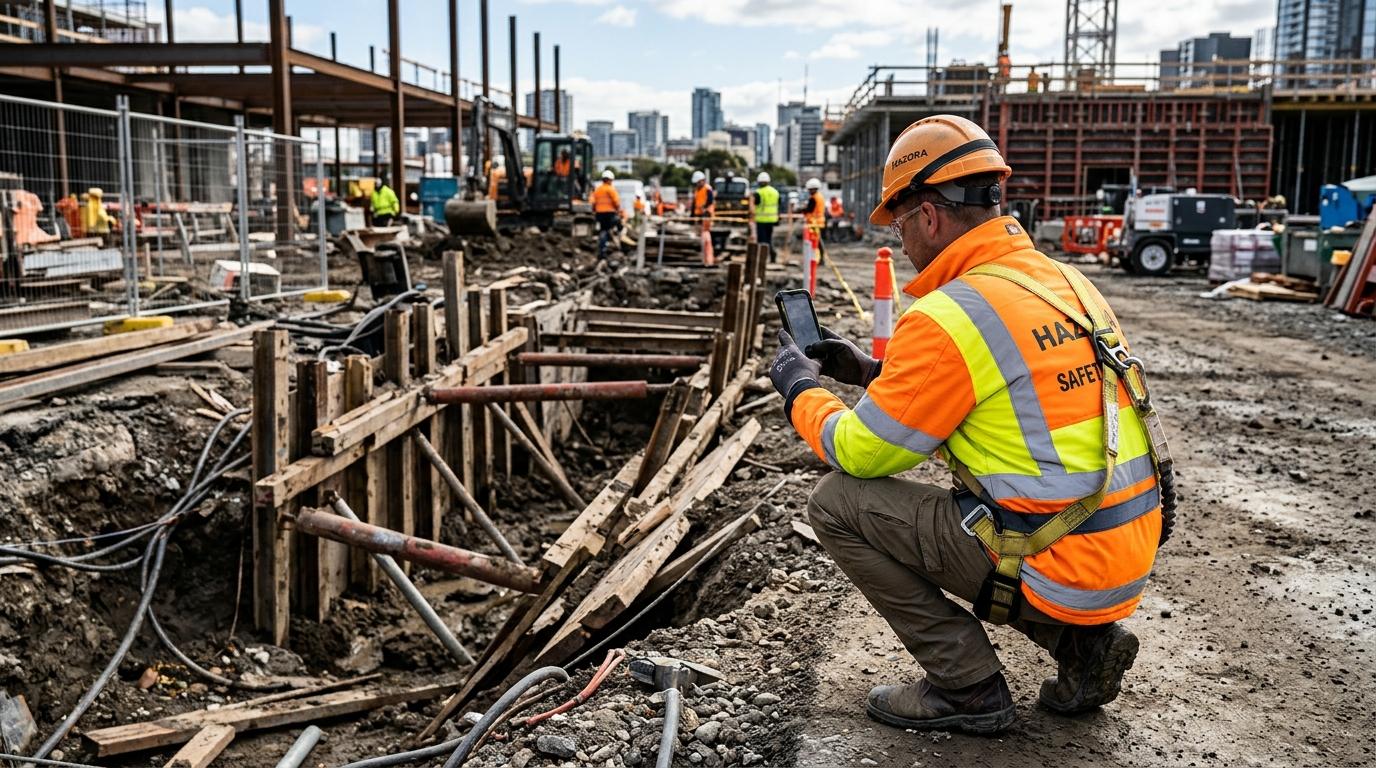

Do tomorrow's FLHA on your phone
Download Hazora and run your first one at the start of the next shift.